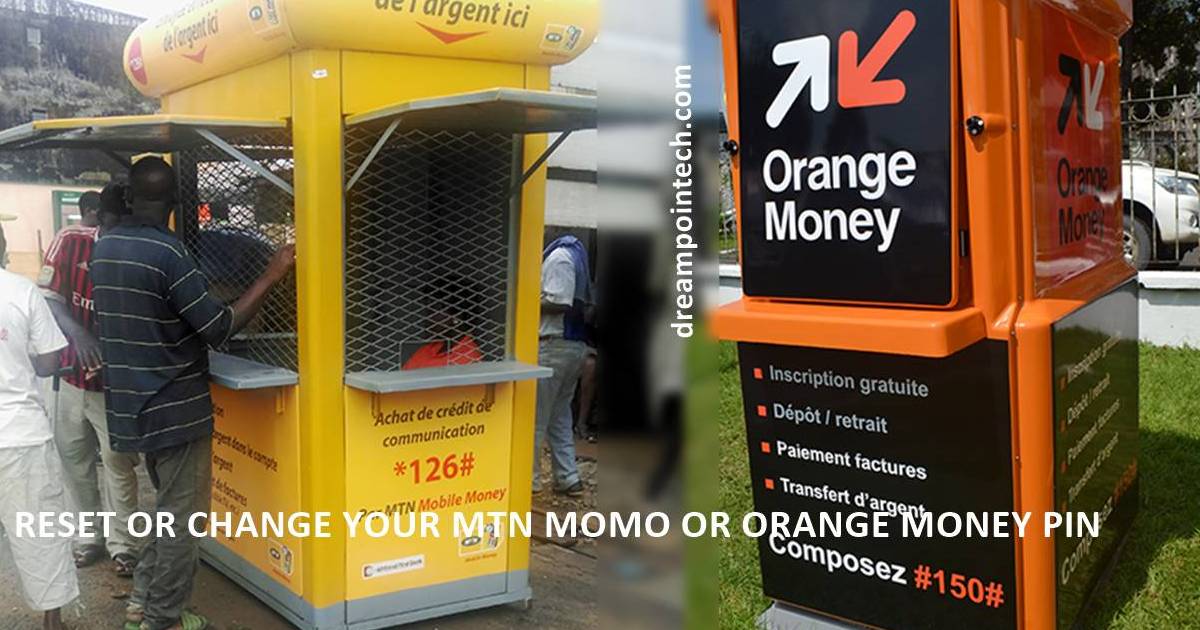
Resetting a Pin is one of the most daunting tasks for every mobile money subscriber in Cameroon. Every active mobile money account is operational thanks to a 4 or 5-digit number called the pin code.
A pin code allows you to authorize a cash withdrawal, send money, buy goods and services online, perform a web login), pay electricity or water bills, and perform international transfers, amongst others. Orange Money pin codes are usually made up of 4 digits, while Mtn Mobile Money pin codes comprise 5 digits.
Table of Contents
Reasons to Change or Reset PIN Code
First, we need to be clear on the choice of words here. To change your mobile money pin code implies you are still aware of the secret code and just want to change it for some reason or the other.
Whereas resetting a pin code is to be performed when the mobile money subscriber can no longer remember or has forgotten his/her pin code.
Below are a few reasons why you should change or reset your mobile money pin:
- If Your Mobile Money Pin is easy to guess (e.g., 4321 or 54321), you must change it.
- You may find yourself in a tricky situation where you think your account has been hacked, and you should change it.
- You have to reset your pin in cases where you have completely forgotten your mobile money pin code.
This article will discuss how to change your mobile money pin code with Orange Cameroon and MTN Cameroon and how to get a new pin code if you have forgotten your current pin code.
Note that your pin is essential when making purchases and transferring money. With the rise in digital shopping in Cameroon, using your mobile money account to shop online is an affordable and convenient way.
Change Your MTN Mobile Money Pin Code
This is usually done when your pin code is not strong enough or in situations where your account might have been compromised or stolen. You should do the following to change your MoMo code in Cameroon:
- Dial *126# to get access to the Mtn Mobile Money Menu
- Go to My account
- Reply by pressing the number corresponding to the Change pin code and click on send.
- Enter your current pin code
- Enter the new pin code you wish to use.
- Great! You are done. You can now use the new pin code.
How to Reset Your Mtn Mobile Money Pin Code in Cameroon?
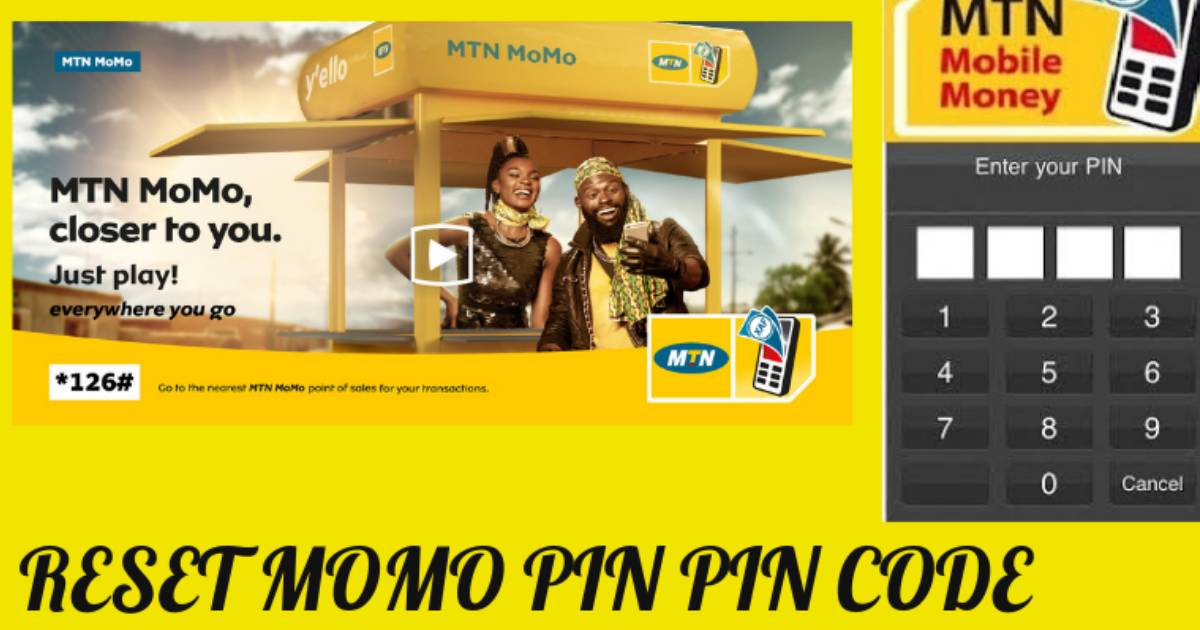
You should do the following steps to reset your MTN Momo code in Cameroon:
Note
- If the amount of money in your mobile money account is more than 2000 Francs CFA, you must go to the nearest MTN Cameroon Agency for your issue to be sorted out.
- If you cannot receive an OTP, call MTN Customer service via 8787. You must provide your correct Date of birth, Full name, and National Identity Card number before the One-time Password (OTP) is sent to you via SMS.
Reset MTN MoMo Pin With More Than 5000F Balance
It is usually impossible to change or reset MTN MoMo Pin when the Mtn Subscriber has more than 5000Frs in his or her Mtn Mobile Money Account.
However, Mtn Cameroon has now made it easy to do so. The pin change is only possible after the subscriber has added a recovery contact (synonymous with a Google recovery address or number).
This article will show you how to reset or change your MoMo pin at any time without having the previous account limit of 5000XAF.
Procedure
- Dial *126#
- Select 7 and confirm with OK
- Dial 00 and press OK
- Next, Select 8, which corresponds to ‘Add a recovery contact.’
- Input the names and numbers corresponding to the recovery contact of your choice.
- Once the recovery contact is saved, you can use this number to reset your Mtn MoMo Pin if you forget and do not want to go to the Mtn Service Centre just to do so.
This is usually done when your pin code combination is weak or in situations where your account might have been hacked. You should perform the following steps to change your Orange Money code in Cameroon:
- Dial the code #150# to access the Orange Money Menu
- Go to My account
- Reply by typing the number corresponding to the Change pin code (Usually number 1) and click on send.
- Enter your current pin code
- Enter the new pin code you wish to use.
- Great! You are done. You can now perform transactions using the new pin code.
Reset Your Orange Money Pin Code

You should do the following steps to reset your Orange code in Cameroon:
- Dial #150# to access the Mtn mobile money Menu
- Select 6 to go to Your Orange Money Account
- Select 7, which corresponds to ‘pin code forgotten.’
- Follow the directives for resetting your pin code. You will receive a one-time password (OTP) via SMS.
- Enter the OTP to reset your pin code.
- Now, enter your new pin code after successfully verifying your account.
- Great! You are done. The new pin code is now active.
Note:
- If you cannot receive an OTP, you should contact Orange Cameroon customer care via 950
Security Tips For Creating a Strong and Memorable Mobile Pin Code
- Assign numbers to the letters of the alphabet. Use the first number to match your favorite.
- Select the first or last letter of your name.
- The First Digit should match the letter to your name. Assign 1 or 2 digits here (Remember you will need 5 figures for an Mtn Money pin and 4 numbers for an Orange Money Pin.
- Second Digit: Select any number from your phone number.
- Third Digit: choose a number from your date of birth.
- Fourth Digit: Match the first letter of your best car, animal, or sport to a number and write it out
- You can always do what works for you if you are always with your phone.
Conclusion
Pin resets or changes occur daily on the Mtn Cameroon or Orange Networks. Mastering this procedure is key to the smooth running of your mobile money account. We hope you enjoyed the step-by-step guide. Like us on social media and join our free newsletter.