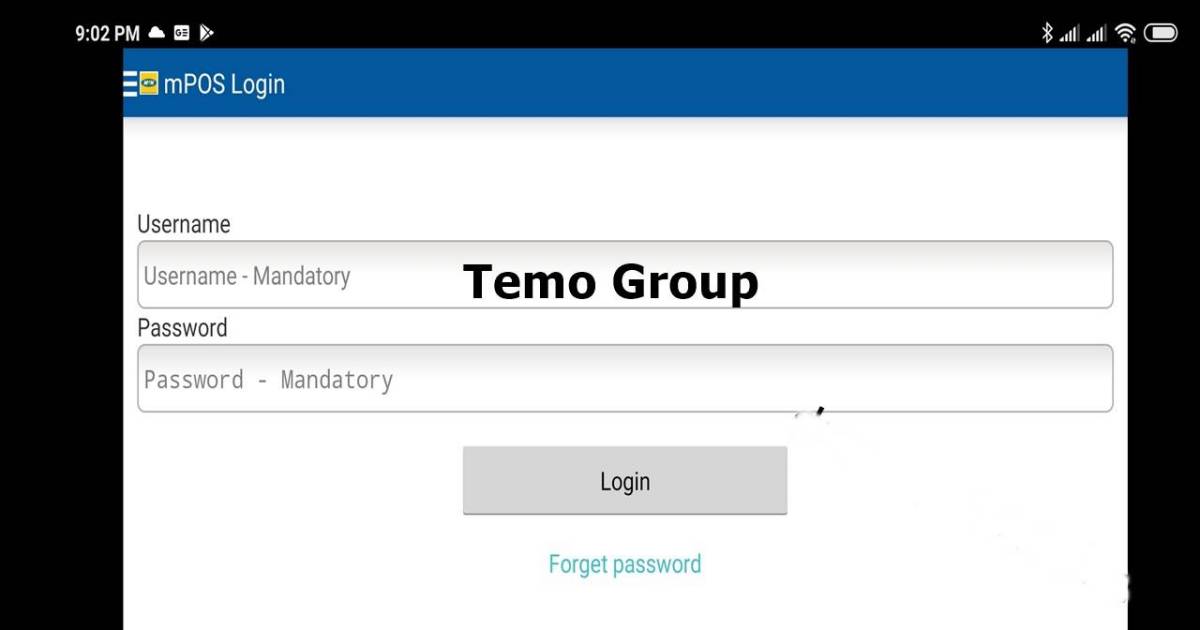
The mPOS app is not found on the Google Play Store or Apple App Store currently. Also, using the application requires a login and Password, and a national ID card or passport. Authorized SIM vendors and MTN dealers or agents can also use the App to register subscribers on the network.
The APK on this page below was downloaded from the last version which was available on the playstore before it was removed.
MTN Mobile Telecommunication group provides the mPOS application or software to help register SIM Cards. Most people from Cameroon, Ghana, Uganda, Zambia, Nigeria, or MTN partners or agents use the platform to facilitate the registration process. However, getting the correct mobile application online takes a lot of work.
Table of Contents
Official SIM Registration Process for MTN
When registering your MTN SIM card, it is always prudent to use MTN’s approved and official channels rather than downloading random APK files from unknown sources. This helps protect your personal information and ensures your SIM registration is valid.
1. MTN Self-Service SIM Registration Portal
MTN provides an official online SIM registration portal where you can link your national ID or other approved identification documents to your MTN number. Through this platform, you can:
- Complete your SIM registration process
- Verify your registration status
Using the official MTN self-service portal is one of the most secure and convenient ways to complete your SIM registration.
2. Network-Approved SIM Registration Apps
In some countries, telecommunications regulators have introduced official SIM registration apps. For example, in Ghana, the Ghana SIM Registration App allows users to register SIM cards across multiple networks, including MTN.
If such an app is available in your country, make sure it is government-approved or officially recognized by the telecom authority before installing it.
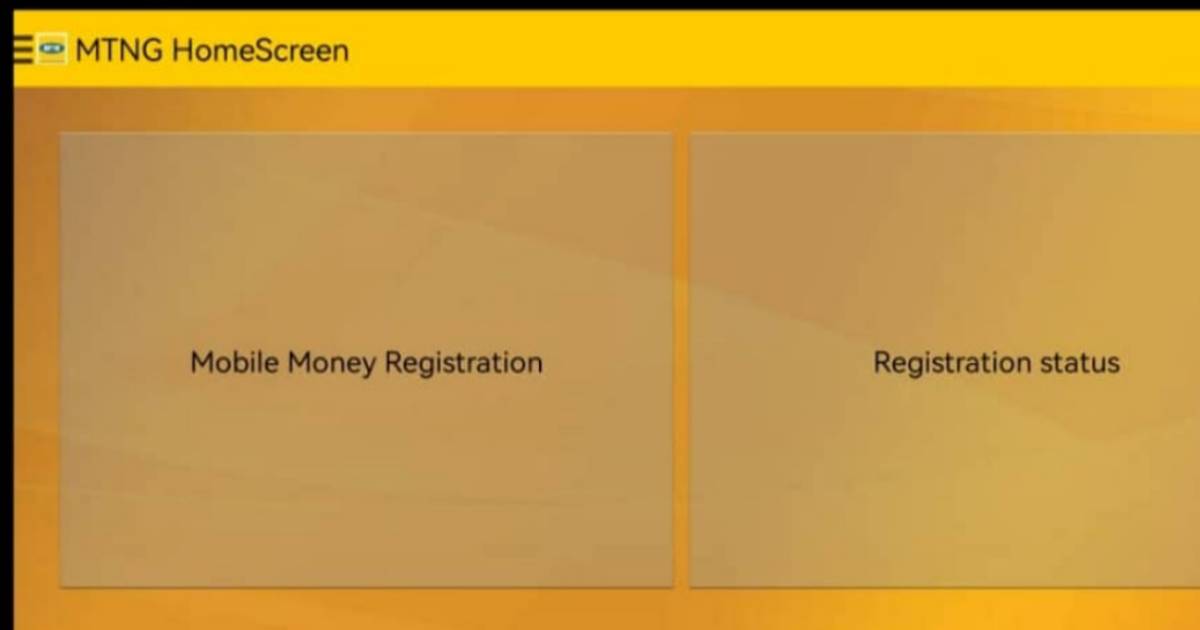
3. Visit an MTN Service Centre
If you prefer in-person assistance or are unable to complete the process online, you can visit any authorized MTN service centre. Bring along your national ID card or any other required identification document. An agent will guide you through the SIM registration process.
Why Use Official Channels
Registering your MTN SIM through official platforms helps you avoid fraudulent or malicious APK files that claim to offer SIM registration services. These unofficial apps may expose your personal data or compromise your mobile number.
For your safety and compliance with national regulations, always rely on MTN’s official SIM registration methods.
MTN SIM Card Registration APK
To register, do the following:
- Download the Official old and latest mPOS Application APK or software from the link below.
- Request a Password to the file by joining and contacting us via Telegram @temogroup. This is to stop its illegal use and to support this site.
- Extract the file using WinRAR or any compatible application on your Android Phone.
- Install the mPOS application on your phone manually.
- Enter your login details (username and Password).
That’s it. You can now begin registering MTN Sim Cards.
App Download Link
There are two versions. Download these mPOS Apps now.
FAQs
Can I download an MTN SIM registration APK?
MTN does not officially distribute the APK files for SIM registration. However, you can get the last version that was officially released by MTN on this page. Avoid downloading APKs from unknown websites, as they may compromise your personal data.
What documents are required for MTN SIM registration?
You will need a valid national ID card, passport, voter’s card, or any government-approved identification document, depending on your country’s telecom regulations.
Is online SIM registration safe?
Yes, provided you are using the official MTN portal or a government-approved application. Always confirm the website address before entering personal details.
What happens if MTN SIMs are not registered?
Unregistered SIM cards may be restricted, partially blocked, or fully deactivated in line with national telecommunications regulations.