
Getting free internet on Camtel Cameroon is relatively easy. However, free internet tricks or hacks are seldom short-lived and are valid while they last.
Our temogroup readers in Cameroon now have a free unlimited Internet browsing trick that they can use for the year 2026.
Table of Contents
How Does the Free Internet on Camtel Cameroon Work?
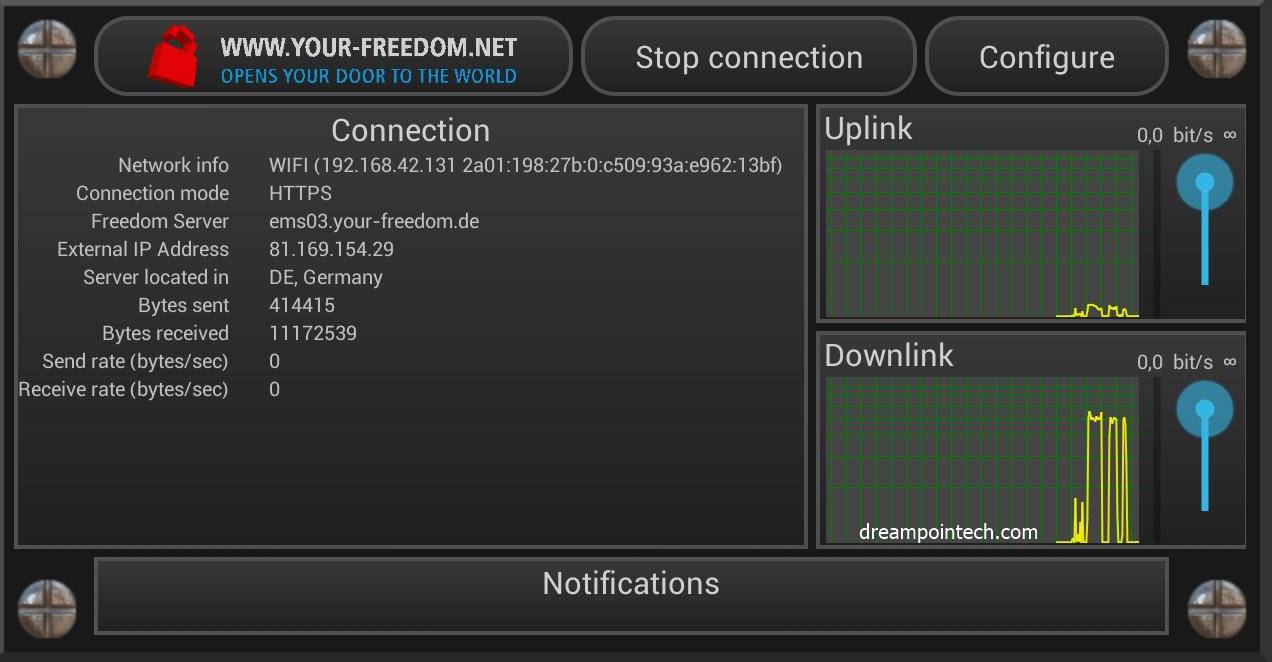
The free Internet trick is achieved by using a tunneling app called Your Freedom VPN which is similar to Psiphon. This app provides Camtel users with free Internet access when configured properly.
The free Internet configuration for this trick is relatively simple and does not require a lot of expertise from the end-user.
No configuration file or cheat code is required so these trick settings can be ported to other tunneling apps on Android, iOS, and Windows.
Recommended: Online Jobs in Cameroon
Requirements to Get Free Internet on Camtel Cameroon
The following are required to obtain free internet access on Camtel Cameroon:
- A Camtel sim card with no call credit or internet data.
- A Smartphone (Android, iOS) or Windows PC.
- Your Freedom VPN Application
- Your Freedom free internet configuration settings for Camtel.
Check: Download Telegram on PC, Android, and iPhone
How to Get Free Internet on Camtel Cameroon? (2026 Trick)
To get free unlimited internet on Camtel Cameroon, do the following:
- Download the Your Freedom VPN app through this LINK for mobile or here for PC.
- Install the app and click to open it
- Click on ‘Configure’ to enable the expert mode settings.
- Enter the login details of the premium VPN account that gives you full access to Your Freedom VPN.
- Configure the settings in the Your Freedom VPN as follows: Server ConnectionYour Freedom Server: ems06.your-freedom.de;195.24.192.33,8.8.8.8Tweaks: NoneConnection mode: DNSPort: 53DNS SettingsDNS for tunnel connection: set manuallyIf address: 195.24.192.33DNS for applications: YF server’s suggestionConnection OptionsAvoid using DNS: OffEnable encryption: OnEnable re-keying: OffBlock IPv6 side channel: OnBlock IPv6 DNS resolution: OnSecond Section Settings;GeneralDo not change any configuration.Protocol Specific SettingsAvoid EDNS: OffDNS mode no direct conn.: OnCase-insensitive DNS: OnDNS max tx interval: 1000DNS min tx interval: 5000.0EDNS max payload: Do not change anything thereDNS tx adaptation factor: 2.0DNS Domain: Any DNSDNS query type: WKS
- Click on OK to save the above configuration
- Tap on ‘Connect’ to browse for free on Camtel Cameroon (Unlimited internet access).

Disclaimer: This tutorial is provided for educational purposes and to alert internet service providers about potential network vulnerabilities. Usage is at your own risk.
Read Also:How to configure and use Psiphon Pro to get free internet on all networks in the world.