Book Appointment Now
Myxtremnet Camtel Account: Web User Login, Online Balance Query
Myxtremnet Camtel Account: Web User Login, Account Balance Query. Camtel Account Balance Online (Web Query). How to Create Camtel Myxtremnet Account?
The Myxtremnet Camtel account is an essential service required by the web user to activate Camtel Xtremnet data bundles.
Furthermore, changing or resetting the default web access login or Camtel password is tricky for users.
Contents
Myxtremnet Camtel Account: Web User Login, Check Account Balance
The website www.myxtremnet.cm is the only website to activate or subscribe to a Camtel bundle or package. The web interface is straightforward to access.
However, some internet users on Camtel Cameroon face difficulties checking their data balance, changing their Camtel PUK number, PIN, or resetting the default Camtel password.
Myxtremnet Camtel Account: Web User Login?
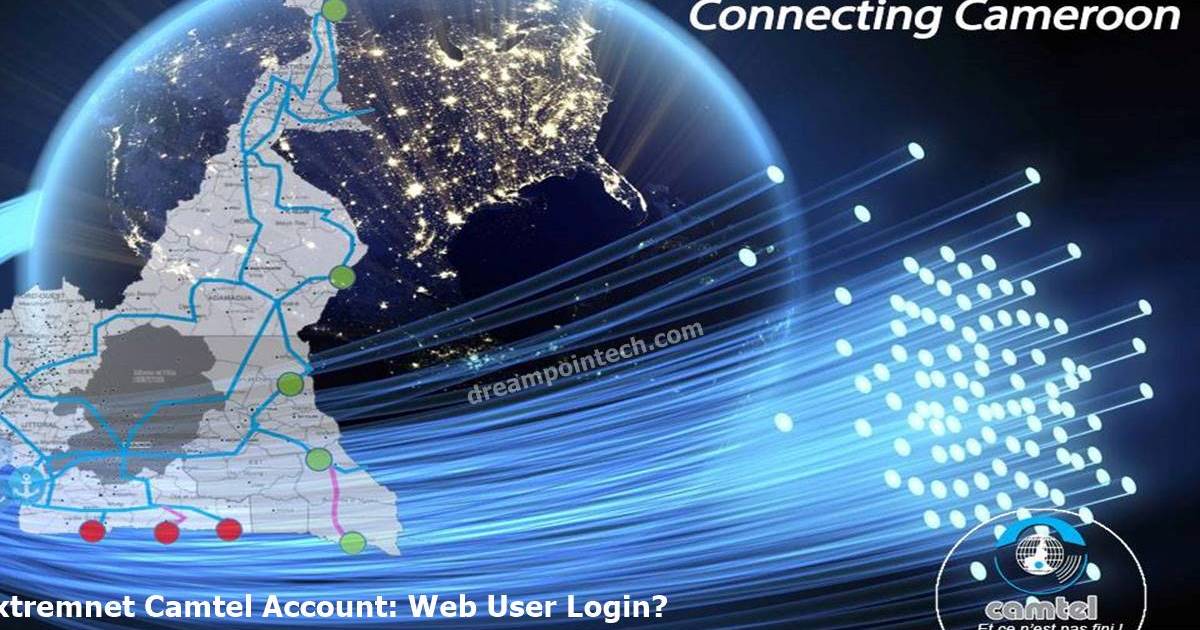
To login to your Myxtremnet CM account, do the following:
- Using your web browser, go to www.myxtremnet.cm.
- Enter your Camtel number and Camtel password.
- Solve the captcha, and click on enter to access your Xtremnet Camtel or Camtel Mytremnet account online.
Read Also: How to change and Reset Your Camtel Password?
Myxtremnet Camtel Account: Check Account Balance Here (Web Query)
Click here to consult or check your Camtel balance for free online.
How to Create a Camtel Myxtremnet Account?
Go to a Camtel Cameroon agency in Yaounde, Douala, Buea, Limbe, or other regions to freely create your myxtremnet account (no cost).
Suggested: How to Purchase Camtel Bundles Online?