Book Appointment Now
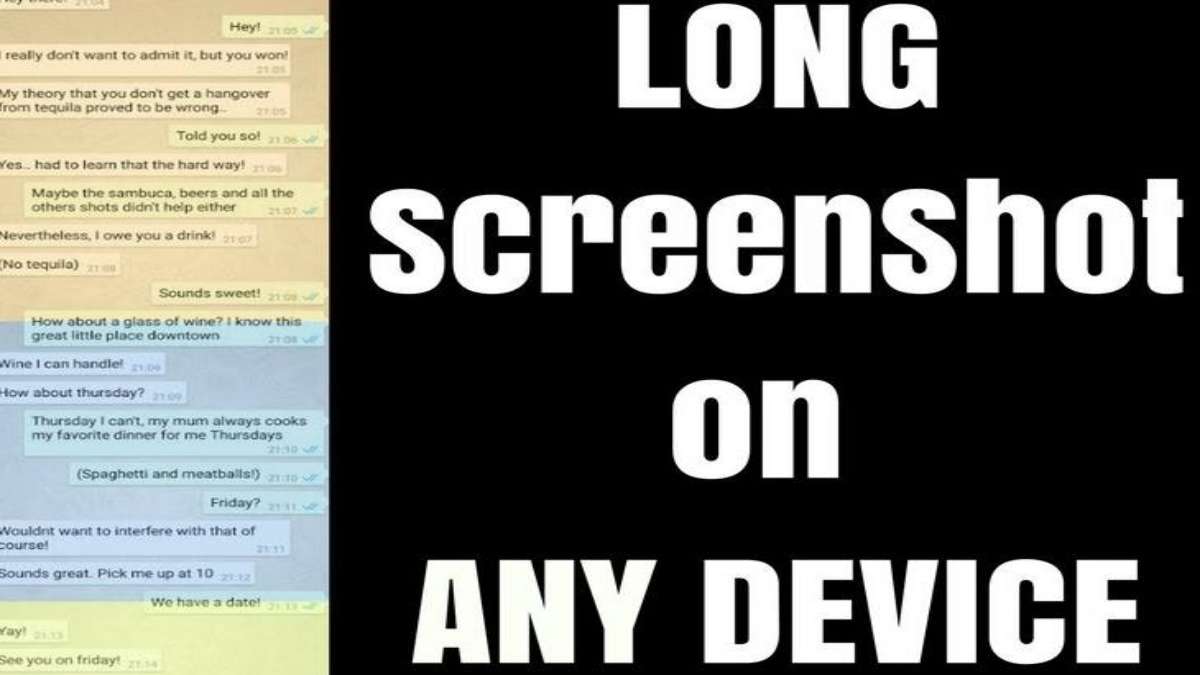
Take Scrolling Screenshots on Phone 2026
Here is how to get one scrollable or long screenshot on any Android or iPhone.
You may have used screenshots (but not long ones) to save some information locally or share vital info to a social media platform or to a third party.
This article will show you how to get these long screenshots and get rid of the messy ones on any device. Also, you may usually take plenty of them, which can be confusing and make it even harder to follow a conversation.
How to Take a Long Screenshot?
- Download the LongShot app from Play Store. This is a free application.
- Install the App to your device and open it.
- Select the option you want: ‘Capture a screenshot’ , ‘capture web page’, or ‘select Images’- to get a screenshot of multiple images. The most frequent option is ‘capture screenshot’: simply tap on it. The app interface fades and gives you 2 options: START and CANCEL.

- Easily Take a Long Screenshot on Your Phone Select the App in which you want to do the screenshot
- Click on START and begin scrolling down to your desired position.Hit SAVE to save the screenshot.
See Also the methods to Start WhatsApp chats Without Saving Contacts.